HVAC mobile app development. Built for your working day.
The job is on site. The information should be, too.
Give technicians the job history they need, customers an easier way to request service, and your
office fewer details to chase. We build custom HVAC apps for iOS and Android around the way your
business works.
An HVAC mobile app puts service requests, equipment records and job updates in the hands
of the people using them.
A technician app supports field work. A customer app handles service requests and account access. An
office dashboard connects those actions to scheduling and records. You can build one useful part
first, then add the rest when the team needs it.
Start with the problem your team keeps running into.
Heating, cooling, repairs and planned maintenance have different requirements. Your app should
reflect them.
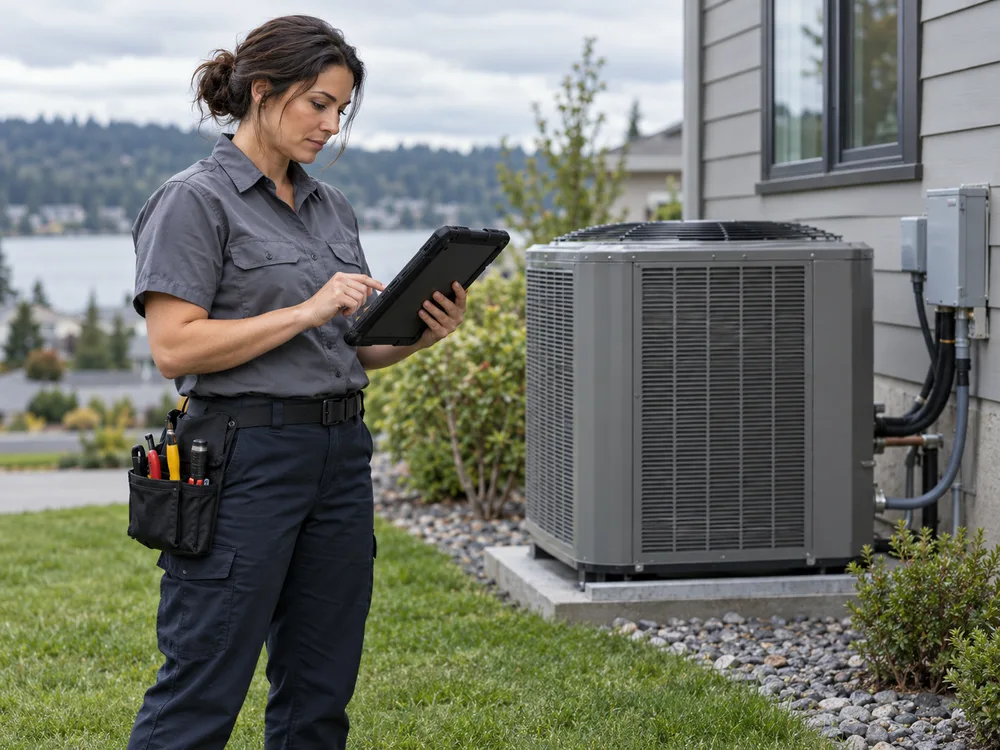
01 / FIELD WORK
“Why do I have to call the office for the job details?”
Build an HVAC technician app with assigned jobs, access notes, unit
history, photos and service checklists. Record labor and parts against the work order
while the details are still fresh.
App solution Mobile work orders & equipment records
FIELD / WORKSPACEEquipment
historyRTU-02 · Previous visit available
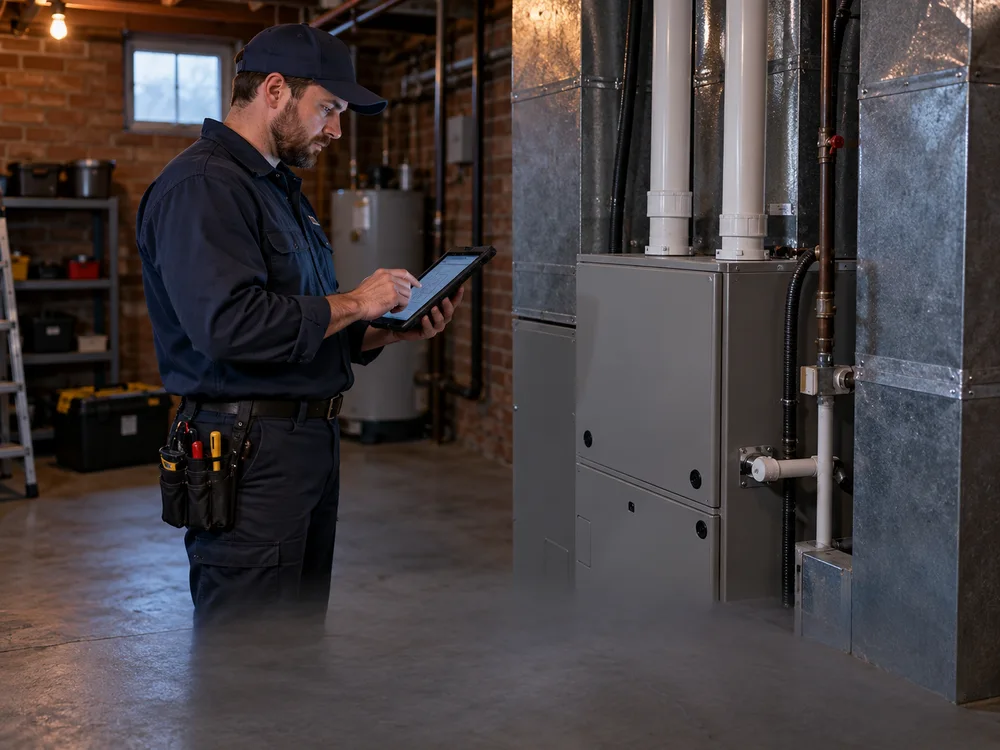
02 / POOR SIGNAL
“I finished the inspection. Did my notes actually save?”
Build an offline HVAC service app that stores agreed job data on the
device and shows what is waiting to upload. Define what happens when the office and
technician change the same record.
FIELD / WORKSPACESaved on
this device3 updates waiting to sync
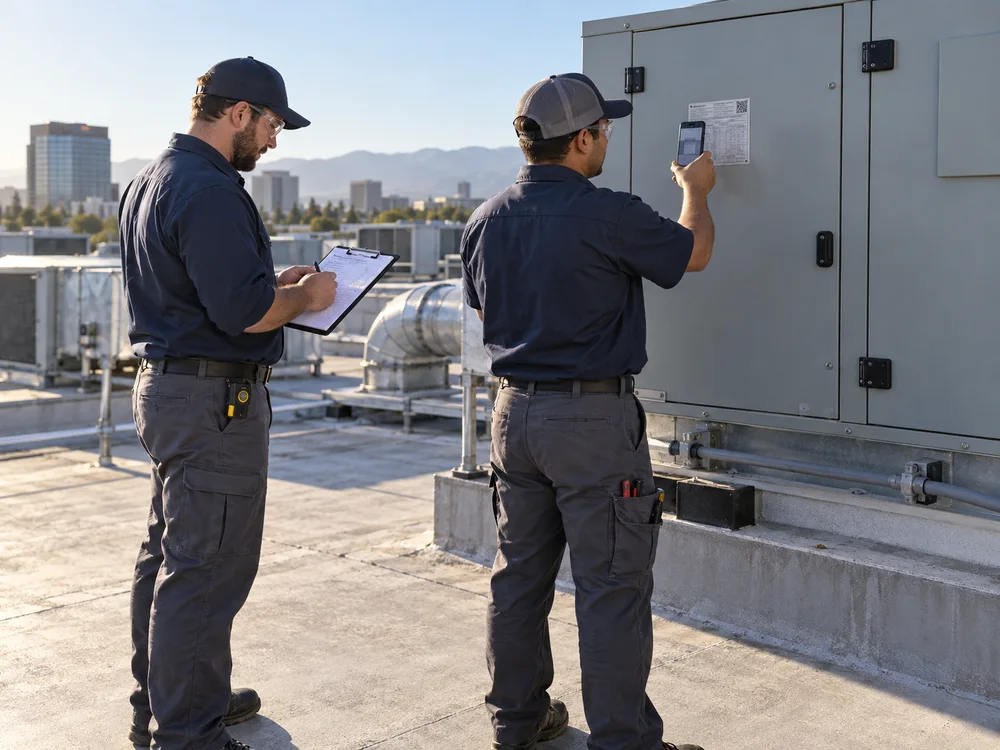
03 / PLANNED MAINTENANCE
“Which units still need a visit under this agreement?”
Build an HVAC maintenance app connecting each covered unit to its visit
schedule, completed checklist and follow-up work. Let the office see what is due, booked
or waiting on customer access.
App solution Service agreements & unit-level visits
FIELD /
WORKSPACEMaintenance recordUnit HP-01 · Inspection
due
04 / CUSTOMER REQUESTS
“Can I request service without calling during work?”
Build a customer booking app for service requests, appointment updates
and service-plan information. Show confirmed times only when the scheduling system
accepts the booking.
FIELD / WORKSPACEService
requestPreferred visit window received
05 / DISPATCH
“The schedule changed. Has the technician seen it?”
Build an HVAC dispatch app with assignments, arrival windows and status
updates. Help dispatchers spot an unacknowledged change and contact the assigned
technician.
FIELD / WORKSPACESchedule
updateNew assignment · Awaiting acknowledgment
06 / JOB CLOSEOUT
“The work is done. What is holding up the invoice?”
Build a closeout flow that checks required notes, parts, photos and customer approval
before sending the record for review. Connect accepted job data to your billing tools
where supported.
FIELD / WORKSPACEReady for
office reviewNotes, parts and approval attached
HVAC APP SHOWCASE
Different businesses. Distinct app experiences.
Three ways to put your business on a screen: a technician’s job list, a maintenance control panel and
a customer service app.
FWFieldworkField serviceJD
GOOD MORNING, JAMES
Today, at a glance
4jobs assigned▂ ▅ ▃ ▇ ▆
Heat-pump inspection9:30–11:00 AM · Work order #1042
›
Furnace maintenance11:30 AM · Equipment history ready
›
⌂Home▤Jobs◷Schedule☰Account
01 / FIELD SERVICE
Fieldwork
ADASSET DESKMaintenance
workspace•••
Equipment overview
12Total units
9Inspected
3Need attention
All locations ⌄
▥
RTU-03West building · Rooftop
Access needed
▥
RTU-01East building · Rooftop
Inspected
THIS MONTH’S VISITS
Mon Tue Wed Thu Fri Sat
02 / COMMERCIAL MAINTENANCE
Asset Desk
HOME COMFORTRL
Good evening, Riley
Your home. Comfortably connected.
INDOOR
TEMPERATURE72°Current reading · Display
example
◷Request service
▤Service history
YOUR HEAT PUMPTime for a seasonal
tune-upHP-01 · View available service options →
03 / CUSTOMER CARE
Home Comfort
TECHNICIAN APP
Finish the visit. Keep the record complete.
A technician has completed an inspection. The work order needs the
checklist, notes and a completion status before the office reviews it.
TRY THE WORKFLOW
Mark the checks complete, then send the work order for review.
● ● ●HVAC / WORKSPACEAPP
PREVIEW
Enable JavaScript to try the work-order, maintenance and booking previews.
Select a preview to
explore.
03 / KEEP YOUR SYSTEMS CONNECTED
A new app should not mean entering everything twice.
Start with the software that already holds your customer and job records. We assess what it can
share, what it allows the app to update, and which changes need someone’s approval.
For ServiceTitan, Jobber, Housecall Pro, QuickBooks or another system, integration depends on
your subscription, API access and the actions the provider permits. That review belongs before a
build commitment.
Technician & customer appsRequests · job updates · visit
records
↕
Your business rulesPermissions · checks · review
steps
↕
Your existing systemsScheduling · customer records ·
accounting
Failed updates should be visible and recoverable, not silently lost.
04 / CHOOSE THE RIGHT KIND OF APP
Built around who uses it. And where they use it.
Custom development makes sense when a repeated business requirement cannot be handled well by your
existing tools.
↗
iOS & Android apps
For daily technician use, device features and a branded customer experience. Native or
cross-platform development is chosen around the required features, devices and support plan.
▤
Mobile web apps
For customer requests and office access through a browser. A responsive portal may be a better
first step when customers need occasional access without installing an app.
⇄
Existing software, extended
For a team that already has a capable field-service platform. Review configuration and available
integrations first; build only the missing workflow that justifies a custom app.
05 / FROM WORKFLOW TO RELEASE
Test it with the people who will use it every day.
A successful release needs more than finished screens. It needs agreed behavior when work
changes, signal drops or a record is incomplete.
01
Map the first use case
Walk through a real job, its handoffs and current paperwork. Agree which problem the first
release must solve and how you will judge it.
02
Design & check access
Review a clickable app flow with the team. Check integrations, permissions and existing data
before finalizing scope.
03
Build & field-test
Test with representative phones and tablets. Include weak signal, interrupted uploads,
changed assignments and missing information.
04
Release & support
Plan rollout, training, distribution and support responsibilities. Agree how issues,
operating-system changes and future features will be handled.
06 / SCOPE & BUDGET
What does custom HVAC app development cost?
The cost depends on the work the app must do—not the number of screens alone.
A technician work-order app connected to an existing backend is a different project from a customer
app, dispatch dashboard and new billing system built together.
Users and platforms: technician, customer and office roles; iOS, Android or
browser access.
Data and connections: existing records, migration needs and integration
permissions.
Field requirements: offline use, photos, signatures and recovery from failed
updates.
After launch: hosting, platform fees, maintenance, training and support.
Ask for a proposal that separates the first release, optional features and ongoing costs. Timing
should follow the agreed scope and access review.
What features should an HVAC technician app include?
Start with assigned work orders, equipment history, visit notes and completion checks. Add
photos, parts used, signatures and offline access where they support the job. The first
release should cover a complete field workflow rather than include features your crew will
not use.
Can an HVAC app work without an internet connection?
Yes, selected records and actions can be designed for offline use. Agree which job details
are stored on the device, what technicians can change, and how updates are reconciled later.
The app should clearly distinguish saved-on-device information from information received by
the office.
Do I need custom development or ready-made HVAC software?
Use ready-made software when it meets your core scheduling, work-order and billing needs.
Consider custom development when an important workflow still relies on repeated manual work
after configuration options have been checked. An additional mobile app may solve that gap
without replacing the main system.
Can you build a customer booking app for my HVAC company?
Yes. The scope can include customer accounts, service requests, appointment updates and
maintenance-plan details. Direct booking requires access to reliable availability and your
booking rules. Otherwise, the app should accept a request and explain when your office will
confirm it.
Can the app connect to our field-service or accounting software?
That depends on the software provider, your plan and available permissions. We review the
records and actions needed, including creating or updating jobs, before confirming the
integration. Unsupported actions need another agreed process rather than an assumed
connection.
How long does it take to develop an HVAC mobile app?
There is no useful fixed timeline before the scope is known. User roles, offline
requirements, integrations and distribution all affect delivery. A first-release plan should
include design, development, field testing and rollout, with dependencies and acceptance
criteria made explicit.
How should customer and job data be protected?
Define which roles can see and change each record, what is stored on a device and how access
is removed when someone leaves. Include secure authentication, appropriate encryption,
backups and retention rules in the scope. Test permissions alongside everyday app workflows.
Who owns the app, and what happens after launch?
Agree code ownership, data ownership, developer accounts and access handover in the contract.
The support plan should state who handles defects, security updates, operating-system
changes and new feature requests. These responsibilities should be settled before
development begins.
LET’S START WITH ONE REAL WORKFLOW
What should your HVAC app make easier?
Bring a job form, a repeated office task or a customer request that is difficult to manage. We
can use it to define a practical first release.